
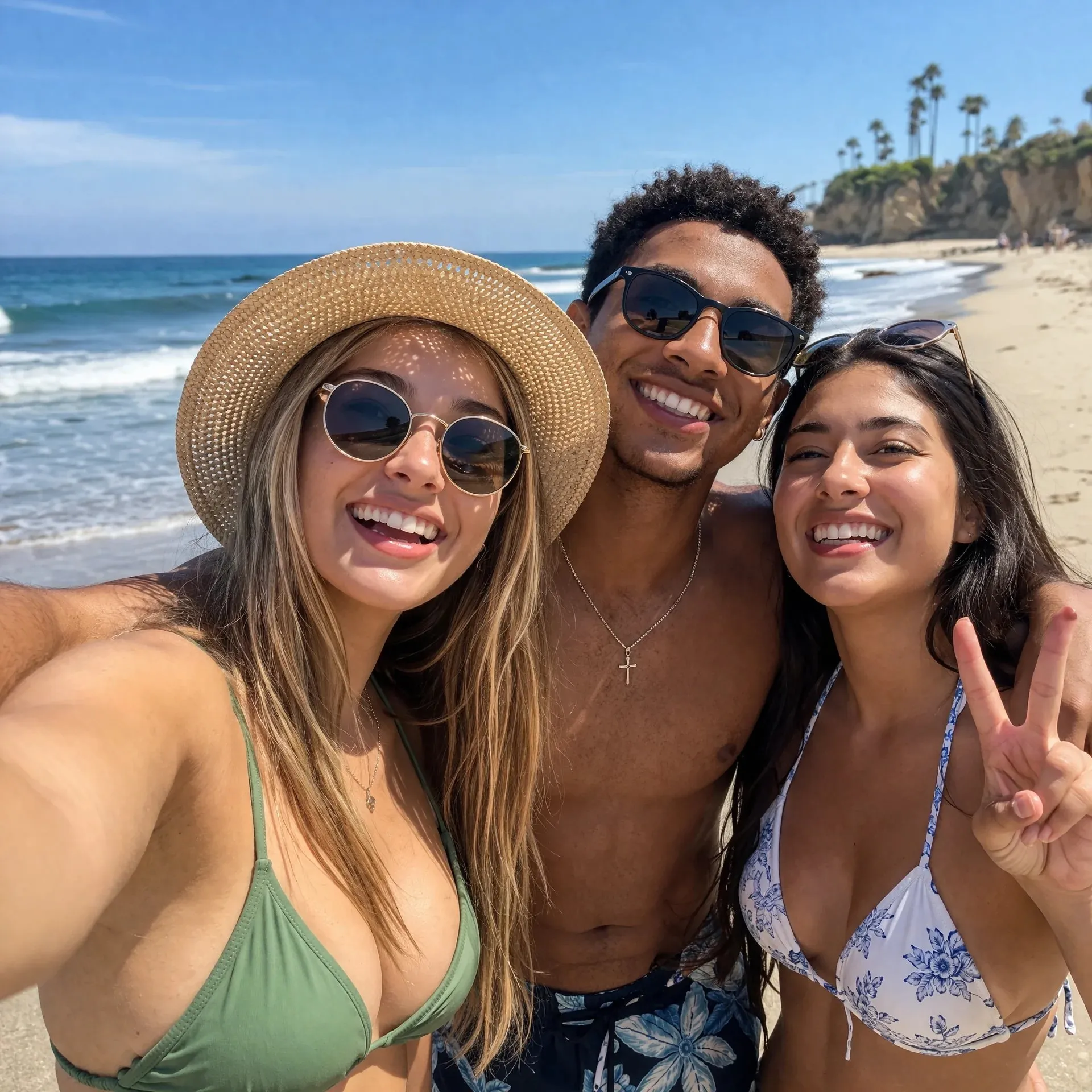
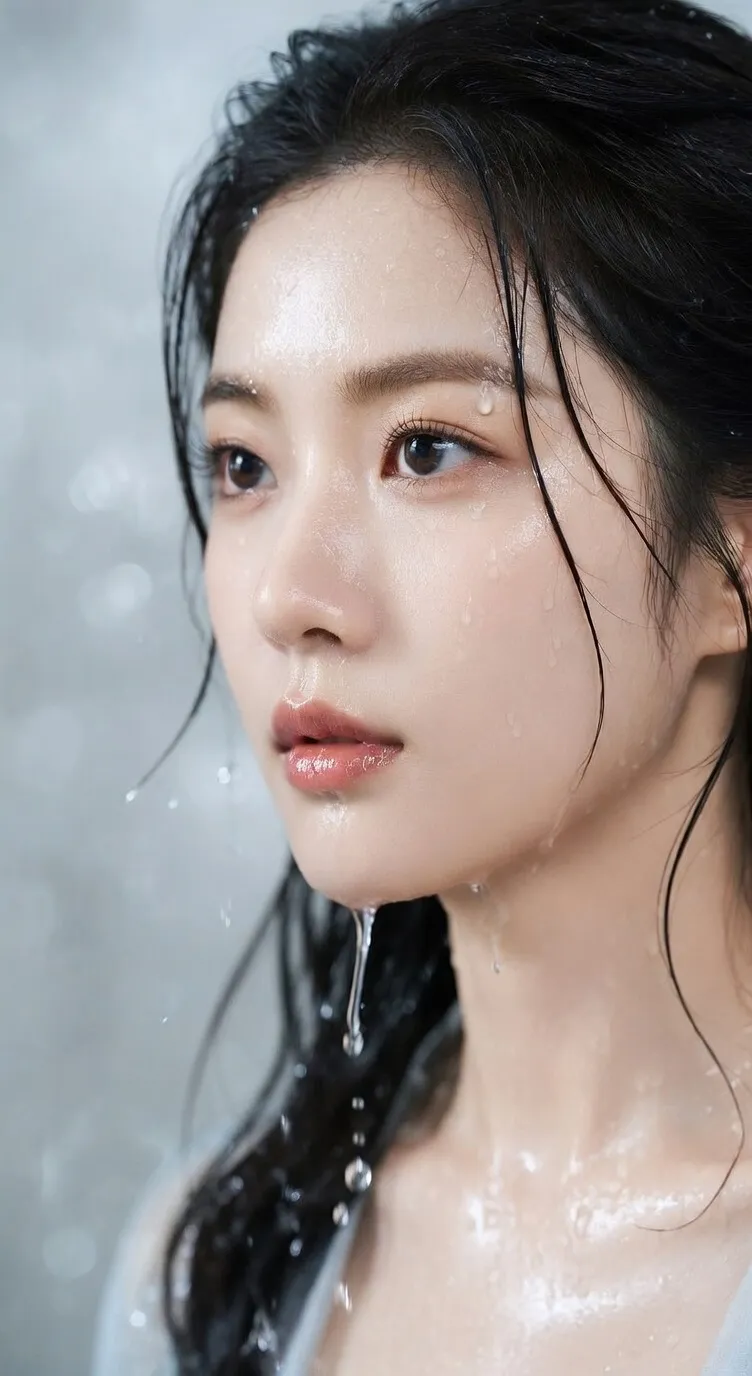
Nano Banana 2
Suited to quickly compare image directions and keep polishing the versions worth saving.
Preview
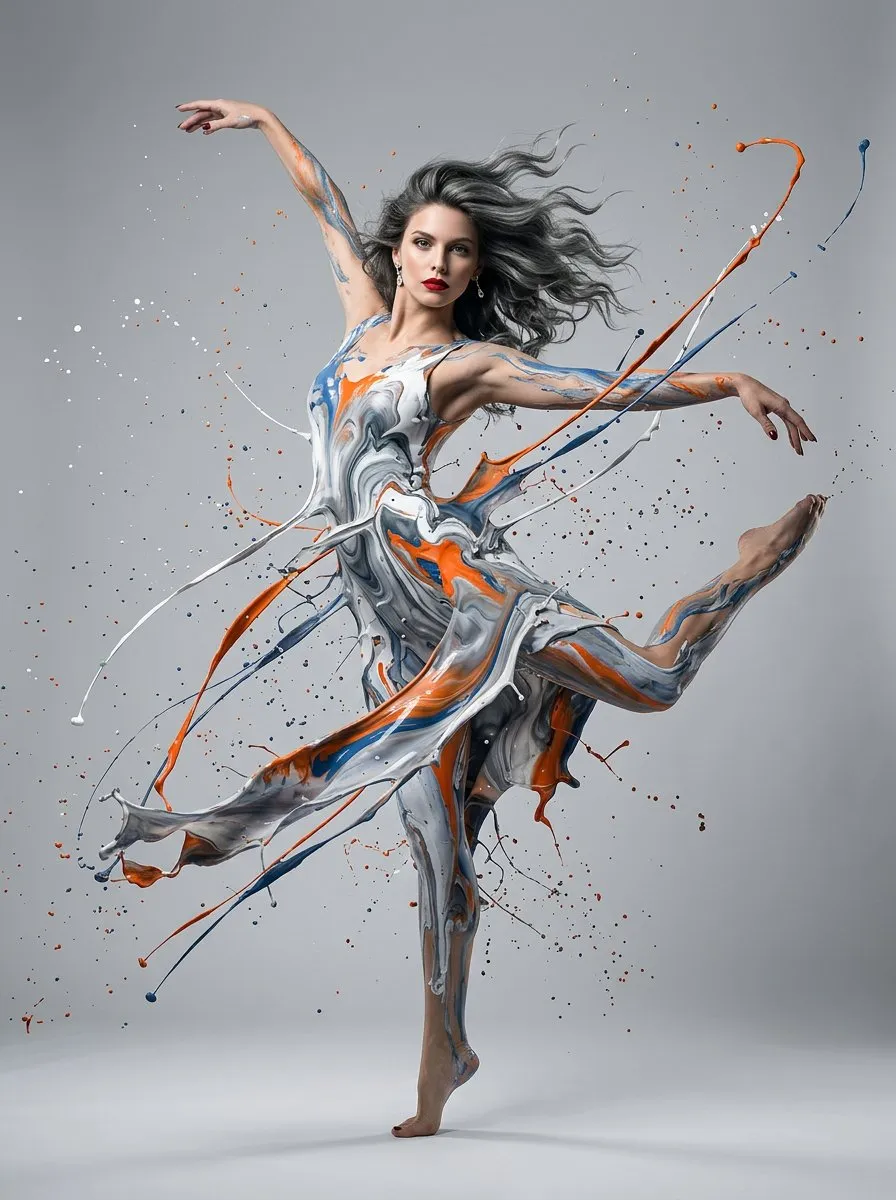
After the direction is set, continue with cutout, upscaling, or send key frames to video models for motion versions.
Nano Banana 2 is suited to producing multiple image versions quickly while the creative direction is still open. Start from text, or upload reference images to constrain subject, style, layout, and brand cues, then export at 1K, 2K, or 4K.
Suited to quickly compare image directions and keep polishing the versions worth saving.
Use text to explore directions, and references to fix subject, style, layout, color, or brand cues.
Choose from multiple aspect ratios, output resolutions, and PNG/JPG formats.
When you need to compare several image directions quickly while preserving references, text areas, ratios, and export specs, Nano Banana 2 is better for building the first material version pool.
Useful for quickly testing directions across product images, ad drafts, covers, banners, and campaign visuals instead of aiming for the final version immediately.
Use product images, portraits, brand samples, layout references, and color samples together to constrain results and reduce ambiguity from text alone.
Use it for short headlines, labels, menus, explanatory text, and multilingual campaign images, while still checking spelling, translation, and small text before publishing.
Supports square, vertical, horizontal, 21:9, 4:1, 8:1, and other ratios for covers, banners, ad slots, and page headers.
Generate multiple images around the same product, character, icon set, or brand direction for ad sets and campaign asset packs.
Choose 1K, 2K, or 4K by stage: test directions at lower specs first, then raise resolution for important versions.
Use speed to get more options first, then send selected directions to follow-up editing, cutout, upscaling, or video first-frame production.
Clarify selling points, audience, campaign theme, and aspect ratio to quickly generate multiple product image or ad draft versions.
Try different scenes, compositions, lighting, text areas, and visual styles in one round to decide which route is worth continuing.
Include location, product category, campaign background, chart information, or audience cues so the image is more than style words.
Use 1K for direction exploration, then switch to 2K or 4K near publishing and choose the right format.
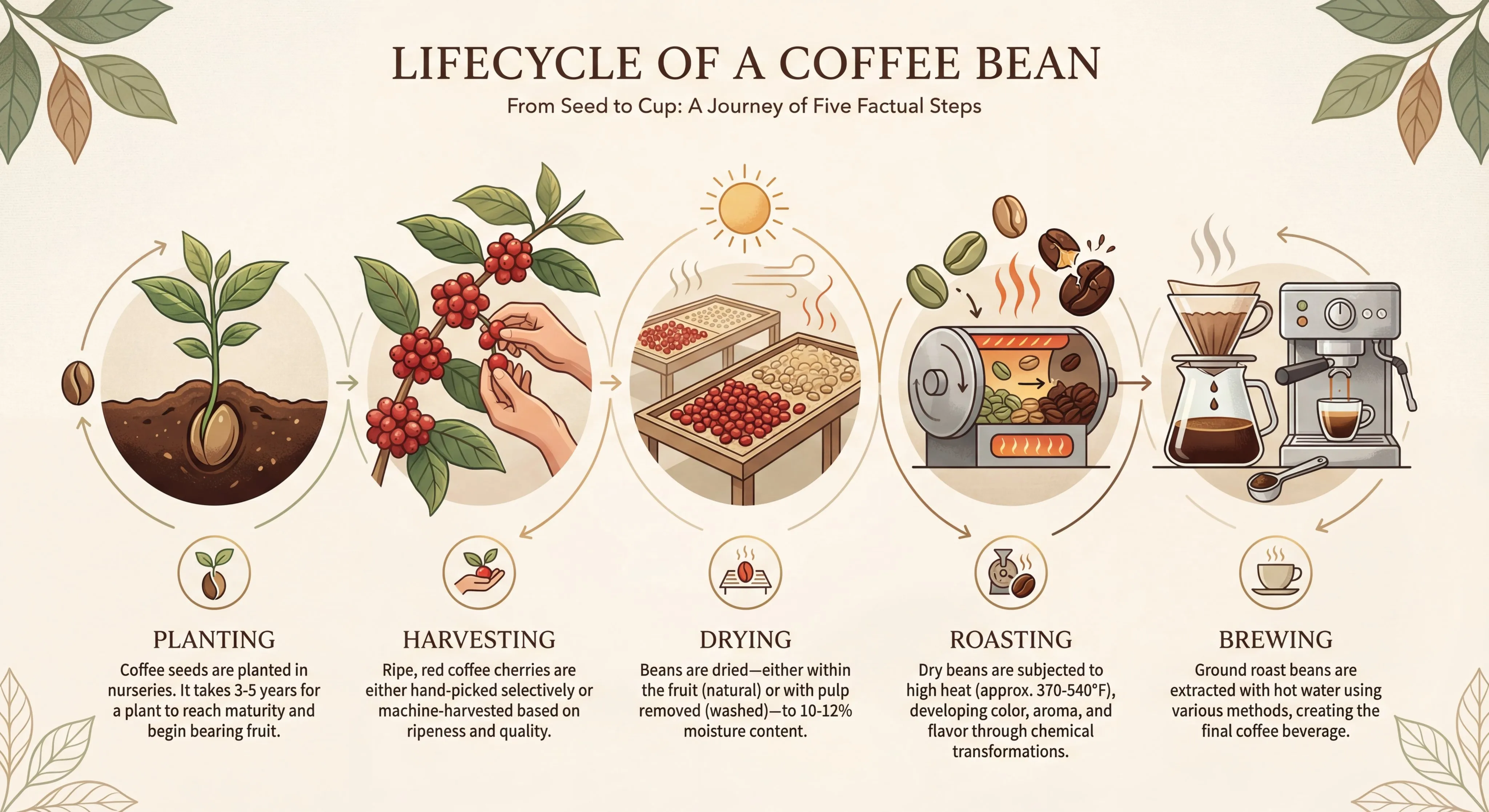
Upload product, person, composition, color, and brand references to keep the same subject consistent across different images.
When changing background, ratio, or style, preserve product shape, character traits, materials, and brand cues as much as possible.
Use up to 14 references to separately explain subject, layout, color, texture, and composition, reducing misunderstanding.
Generate product page assets, ad sets, storyboards, covers, and localized campaign graphics around the same subject.
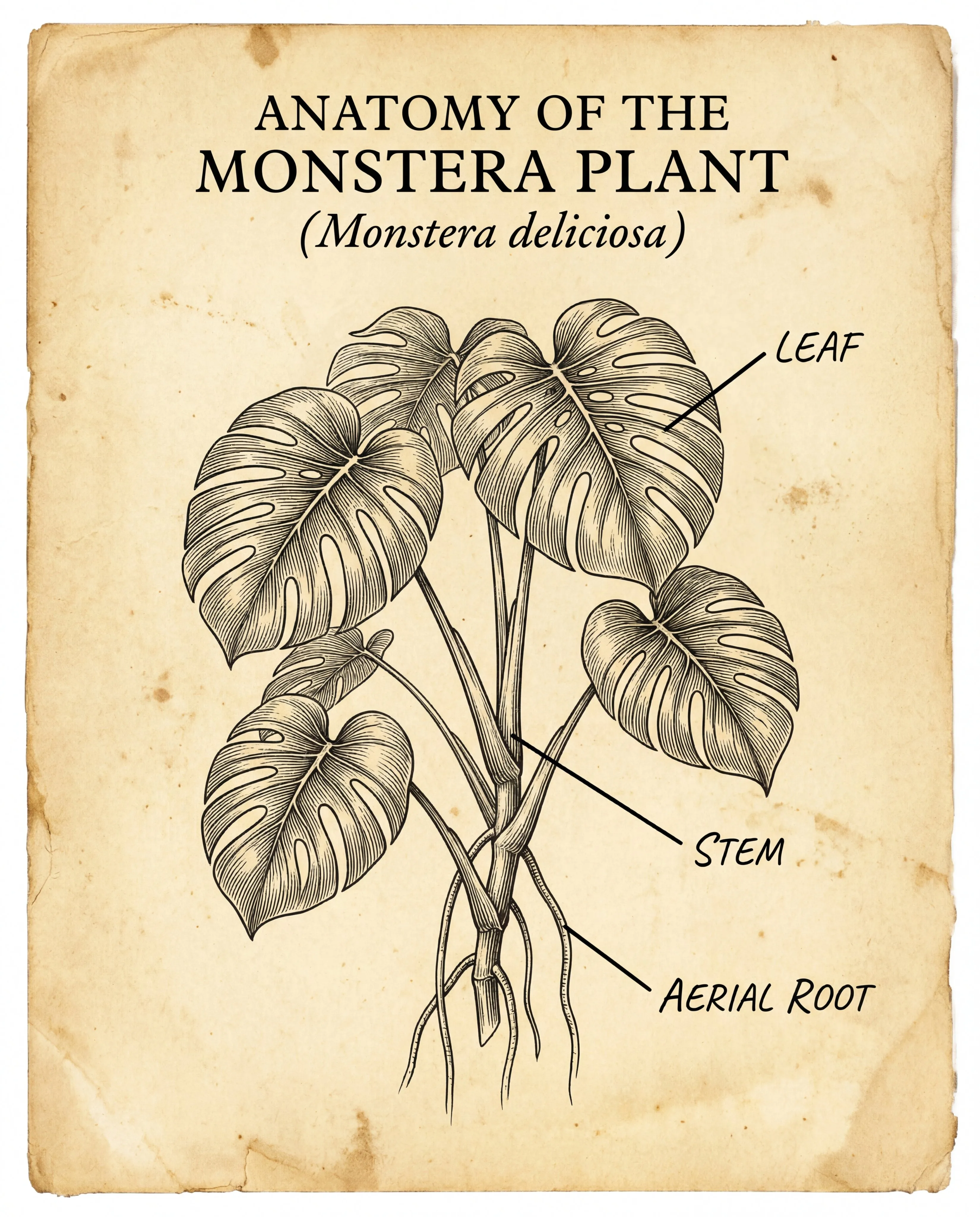
Good for first directions for posters, menus, labels, infographics, thumbnails, blog visuals, and multilingual marketing assets.
Prefer short headlines, labels, and explanation blocks. For translations or small text, manual review is required before publishing.
Choose the right ratio for square images, vertical images, horizontal images, ultrawide banners, and ad slots.
Before launch, verify numbers, names, logos, people, product details, claims, and brand rules.
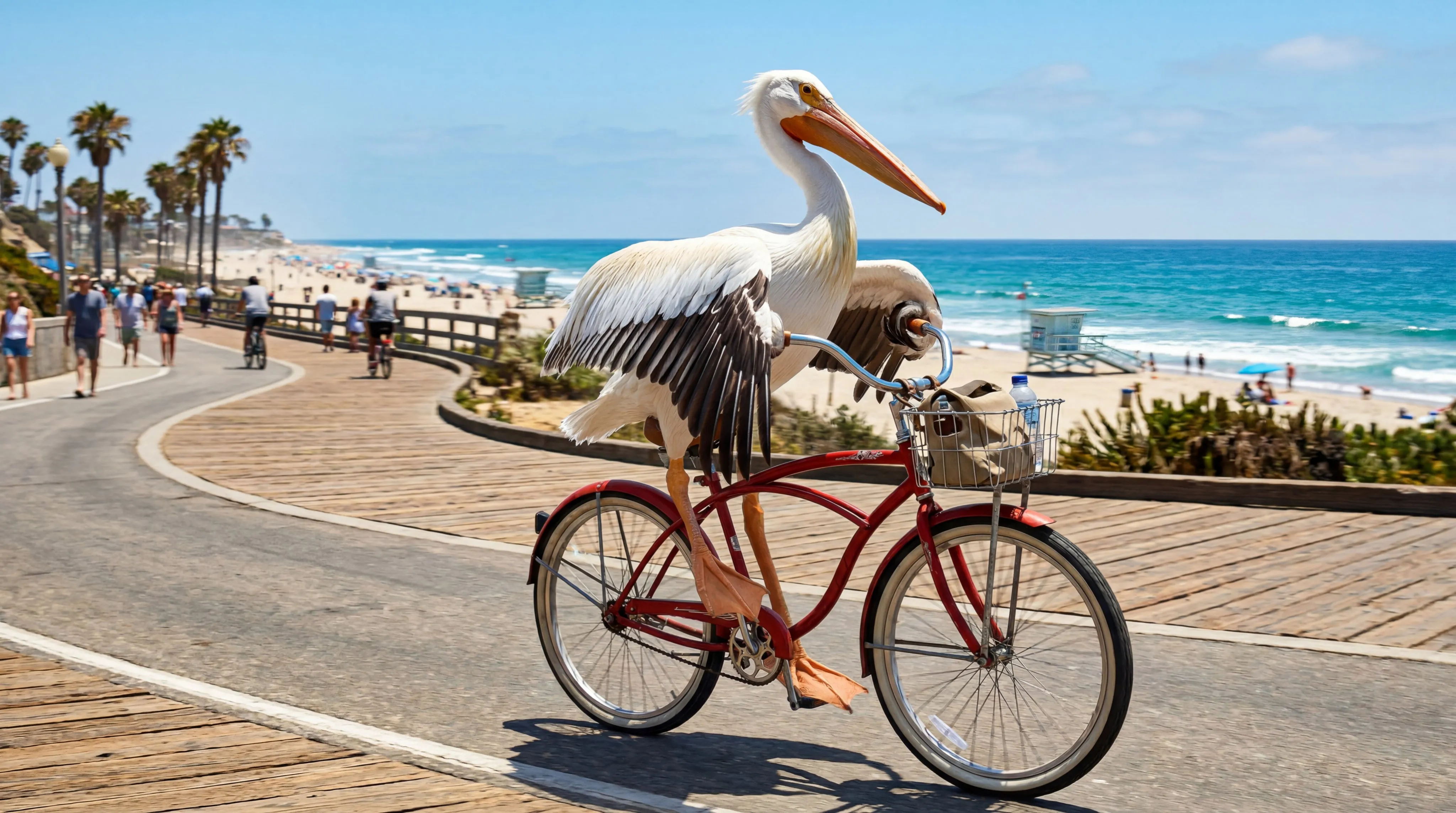
First state whether you are making product images, ad drafts, covers, banners, infographics, or localized assets, and decide how many versions you need.
Describe subject, scene, composition, lighting, text area, ratio, and constraints. Upload references when consistency is needed.
Choose 1K, 2K, or 4K by stage, then check text, translations, subjects, counts, facts, and brand rules after generation.
Nano Banana 2 is a Gemini 3.1 Flash Image image model suited to fast image version generation, reference-image editing, series assets, and multi-spec export.
It works well for product image candidates, ad drafts, covers, banners, posters, label images, infographics, localized campaign assets, and edits that need reference constraints.
Upload references when product appearance, person identity, brand color, layout, material, composition, or the original photo must not drift.
The current generator supports up to 14 reference images. They can separately describe subject, style, composition, color, and brand direction.
It is suited to short headlines, labels, menus, explanatory text, and multilingual versions. Before formal publishing, still manually check spelling, translation, small text, and layout.
The current generator supports multiple aspect ratios, 1K, 2K, and 4K resolutions, and PNG or JPG output.
Use lower resolution to compare versions quickly during direction exploration, then use higher resolution for key assets close to publishing.
Check names, numbers, translations, small text, logos, product shapes, character identity, subject count, claims, rights risks, and brand rules.
Enter an image brief, upload references when needed, and use Nano Banana 2 to quickly generate product image candidates, ad drafts, covers, banners, infographics, and localized assets.