
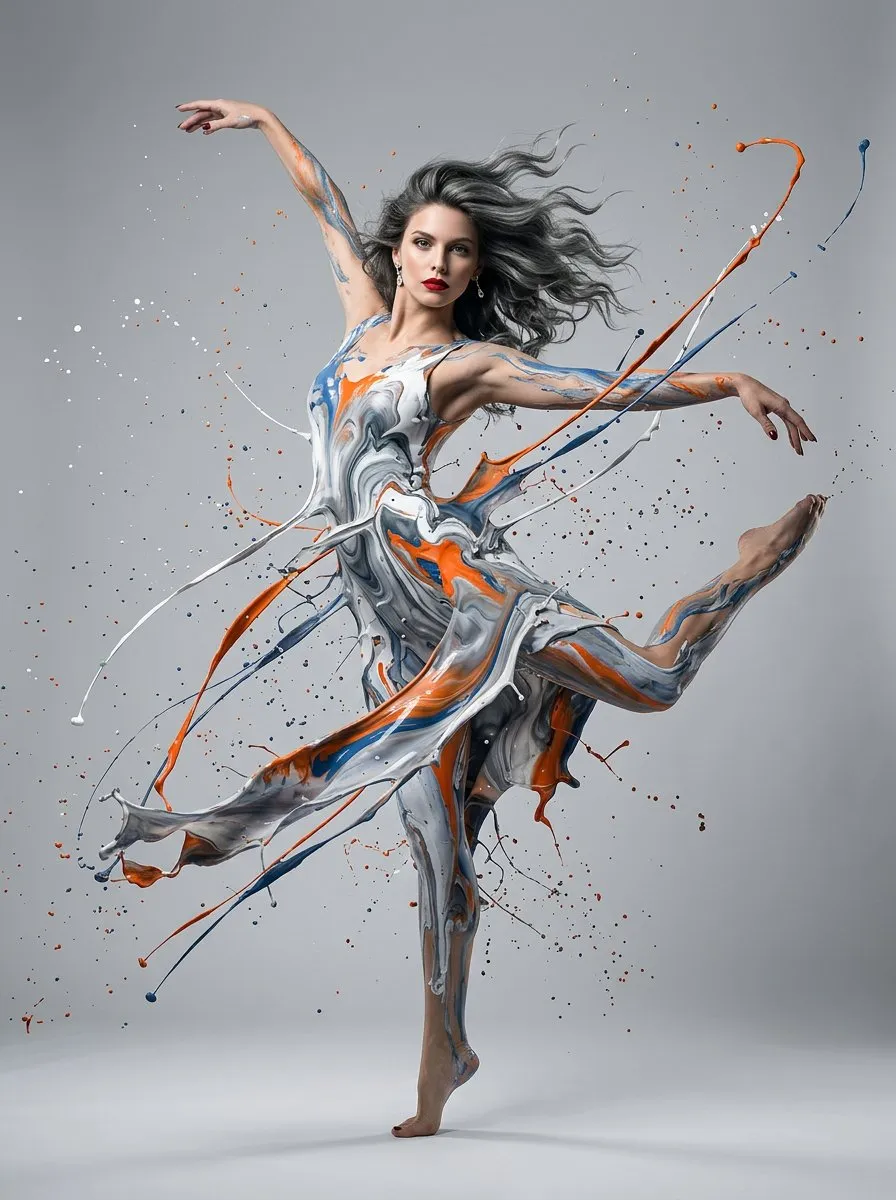
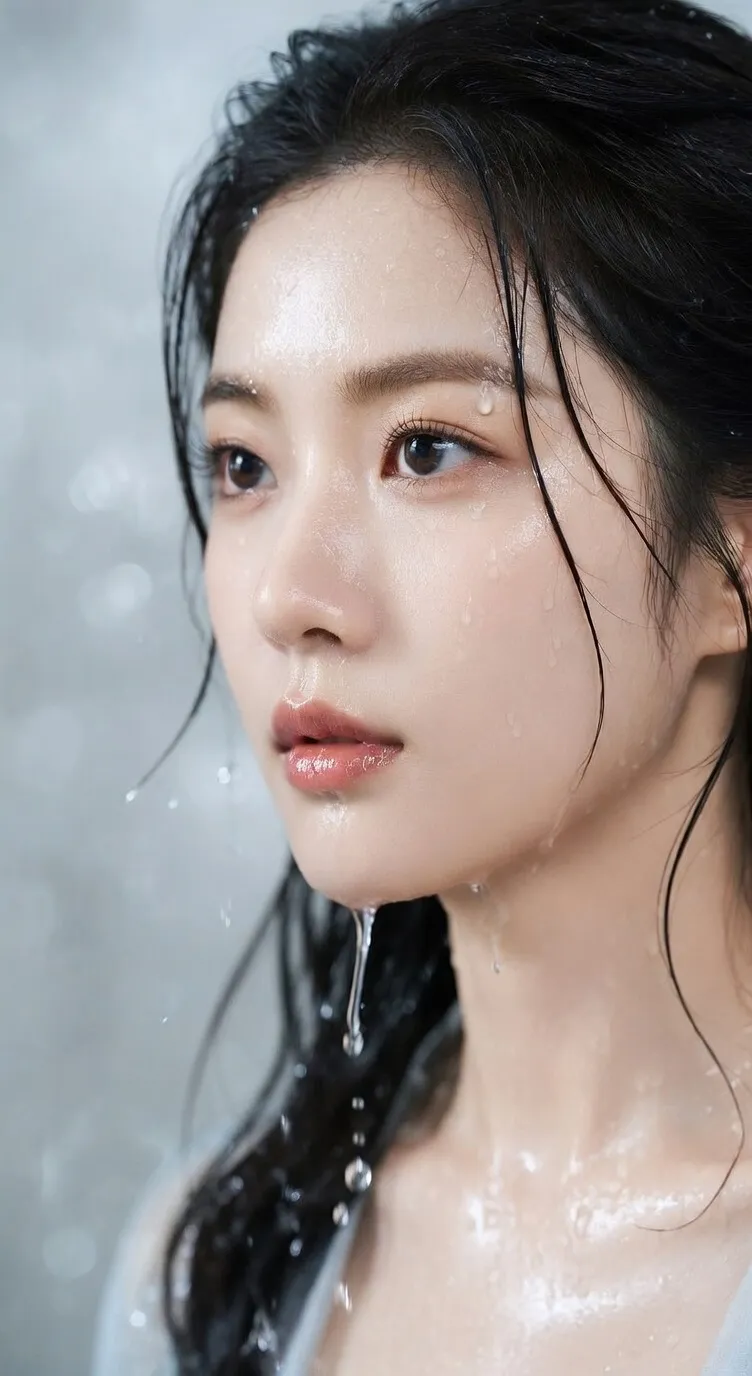
GPT Images 2.0
Suited to image tasks that need clearer instructions, richer detail, and reference-image control.
Preview
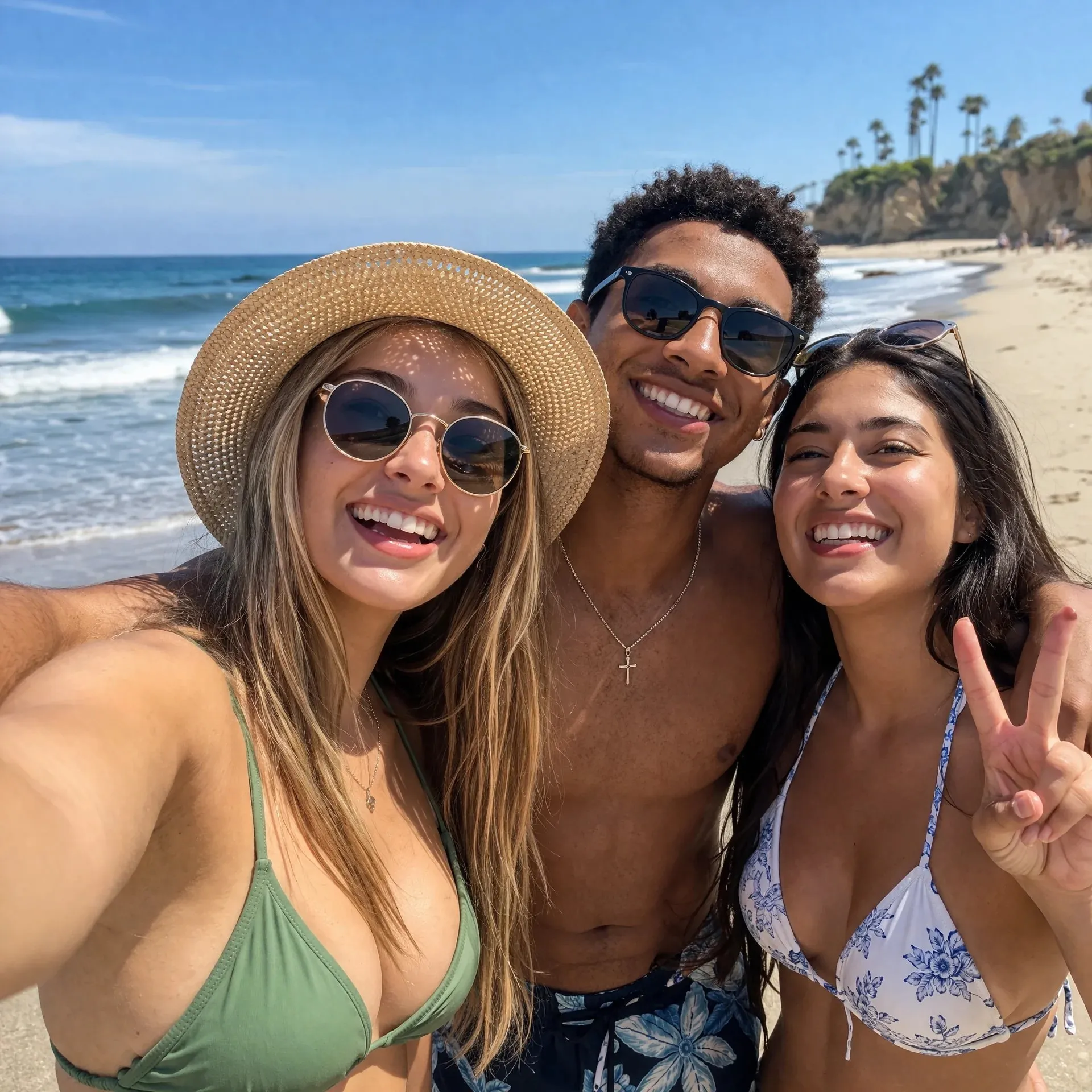
After image generation, continue removing backgrounds, upscaling, or send key frames to video models for motion versions.
GPT Images 2.0 is suited to image tasks with more information. Describe the purpose, subject, text, composition, style, and constraints, or upload references so results align more closely with product, character, brand, or layout requirements.
Suited to image tasks that need clearer instructions, richer detail, and reference-image control.
Text explains the goal and constraints, while references add subject, material, layout, or brand direction.
Use for product displays, ad concepts, posters, explainers, content covers, and follow-up editing.
When an image must be more than attractive and needs a clear purpose, text area, subject relationship, and reference constraints, GPT Images 2.0 is better for turning requirements into editable visual versions.
Clarify the deliverable, audience, subject, style, aspect ratio, required elements, and excluded content so results are easier to judge.
Upload product photos, portraits, UI screenshots, sketches, or brand samples to ground the subject, material, composition, and visual direction.
Try headlines, labels, short phrases, explanation areas, and localized versions. Before formal publishing, still manually check spelling and small text.
For infographics, campaign posters, product explainers, and multi-element ads, specify priority, sections, and whitespace in the prompt.
Generate multiple visual directions first, then check product details, logos, body proportions, copy facts, copyright references, and brand rules.
Give the next round specific feedback about background, crop, text area, subject position, color, and style instead of starting from blank each time.
Move from “I need an image” to “what problem should this image solve”: product displays, ad explanations, content covers, and text-led visuals can all be broken down by purpose.
Organize selling points, audience, use case, aspect ratio, and brand tone into an image brief, then generate several comparable directions.
State whether it is a product image, ad visual, poster, explainer, cover, or landing-page visual.
Specify subject placement, background, text area, lighting, composition, whitespace, and elements to avoid.
Check the overall direction first, then review details, text, brand fit, and publishing risks.
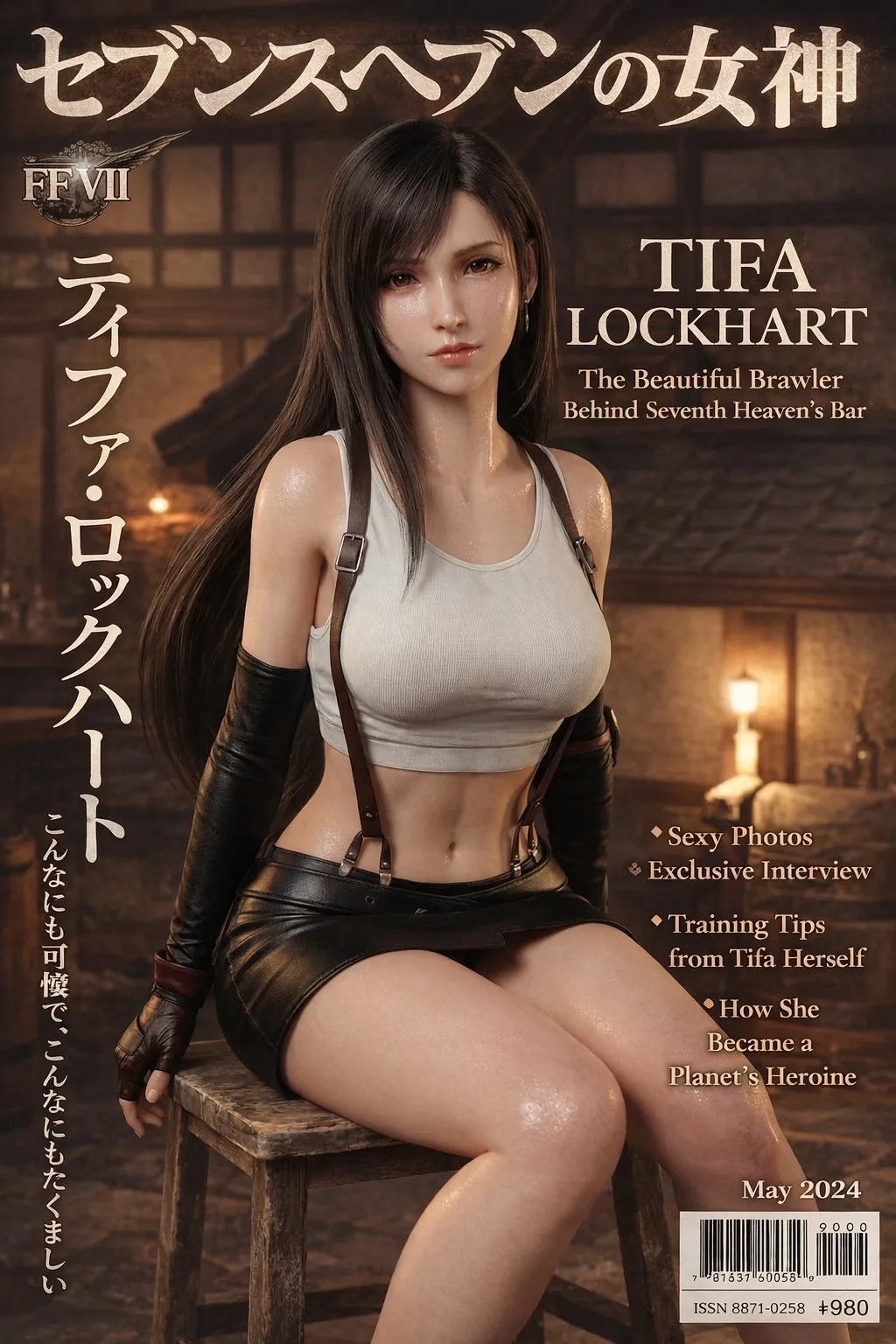
Upload product photos, portraits, UI screenshots, sketches, or brand assets, then state which parts must stay and which parts can be remade.
Lock product appearance, person identity, UI structure, material, logo placement, or brand colors.
Change only background, scene, crop, text area, style, or lighting to avoid unintended edits to the key subject.
Continue editing with concrete feedback such as “wider text area”, “move product right”, or “cleaner background”.
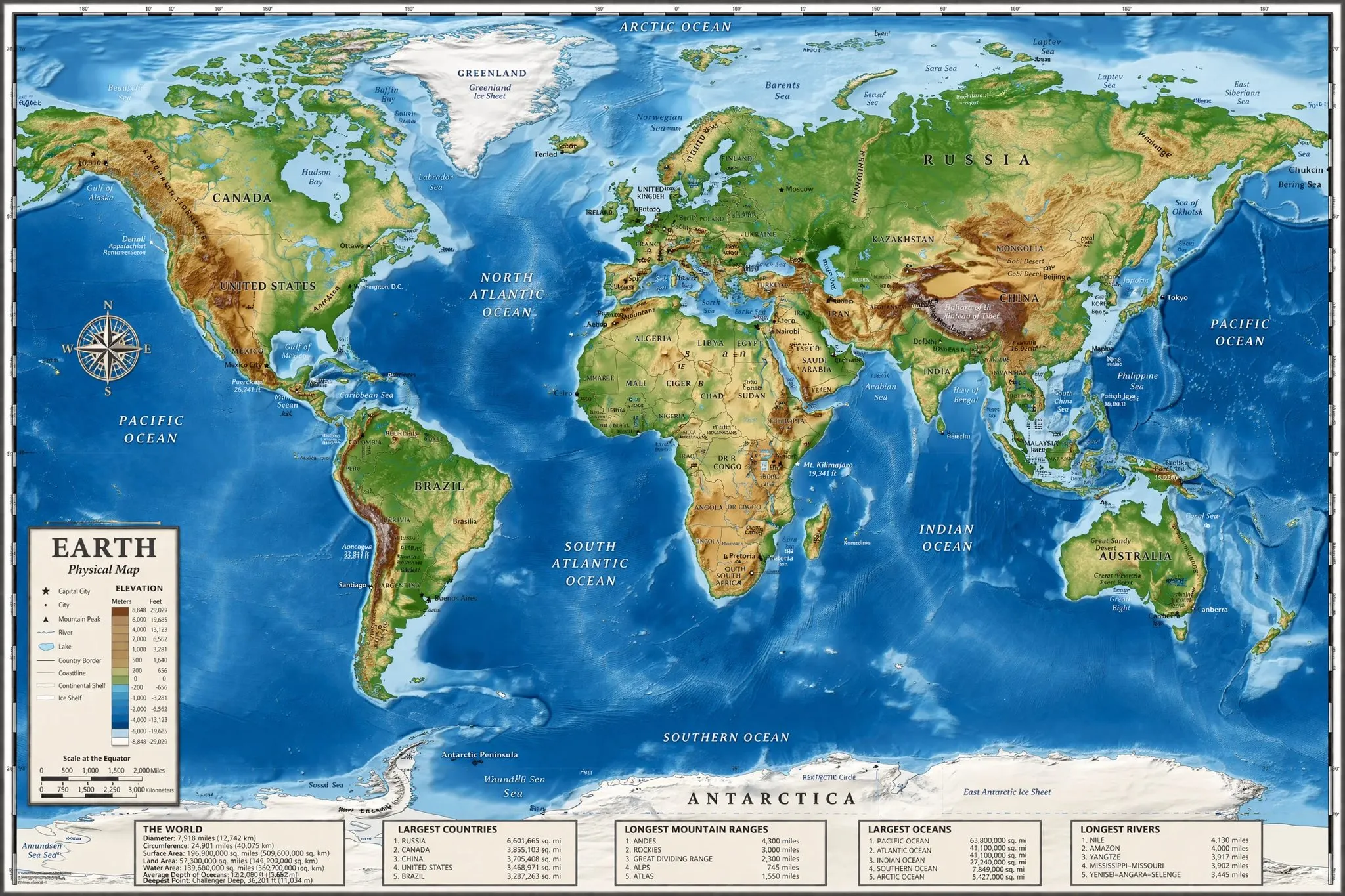
Create posters, label images, explainers, content covers, localized campaign graphics, and marketing assets that need clear text areas.
Prefer short headlines, short labels, and clear sections. The more text there is, the more manual proofreading is needed before publishing.
Plan aspect ratios and safe areas for product pages, ad placements, landing pages, content covers, or presentations in advance.
Use only after confirming names, facts, marks, people, trademarks, copyright references, and platform rules.
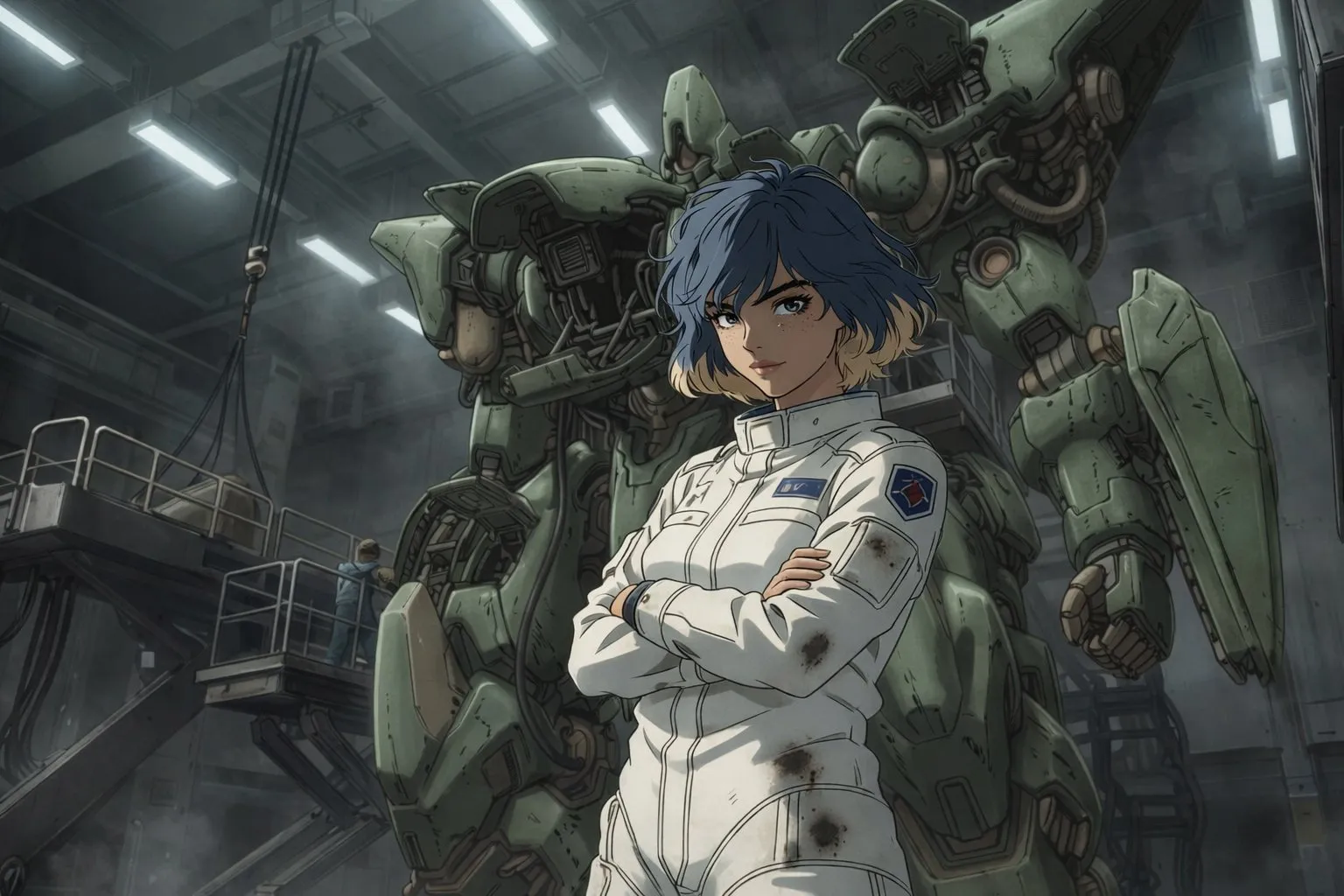
Decide whether the image serves product display, ad delivery, a poster, explainer, cover, content page, or internal proposal, and specify the target channel and aspect ratio.
Describe the subject, background, composition, lighting, style, text content, and constraints. Upload references when consistency matters, and state what must be preserved.
Check text, logos, product details, body proportions, object count, and visual hierarchy, then continue revising with specific feedback.
GPT Images 2.0 is a model capability for image generation and editing. FlashOmni provides an entry point to help you generate image versions from text briefs and references.
It fits product display images, ad concepts, posters, infographics, explainers, content covers, localized campaign graphics, and edits that need reference constraints.
You can try short headlines, labels, explanation areas, and localized text versions. The finer and more abundant the text, the more manual review is needed before publishing.
When product appearance, character traits, brand colors, UI structure, material, composition, or an original photo must not drift, references are clearer than text alone.
It is better suited to clear, structured image requirements, such as images with text areas, information hierarchy, reference constraints, or brand cues that must be preserved.
Start with the deliverable type and purpose, then add audience, subject, scene, style, composition, aspect ratio, text content, and constraints. When uploading references, separate what must stay from what can change.
Commercial suitability depends on platform terms, input assets, trademarks, likenesses, copyright references, industry regulations, and publishing channel rules. Rights and content review are still required before formal use.
AI images may contain errors in text, marks, proportions, details, people, or brand rules. Treating generated results as candidate versions makes them better suited to real production.
Enter an image brief, upload references as needed, and use GPT Images 2.0 to generate product images, ad concepts, posters, explainers, content covers, and editable image versions.